Color Palette Generator DCTL
Introduction
Color analysis in DaVinci Resolve typically means eyeballing the scopes or pulling reference stills manually.
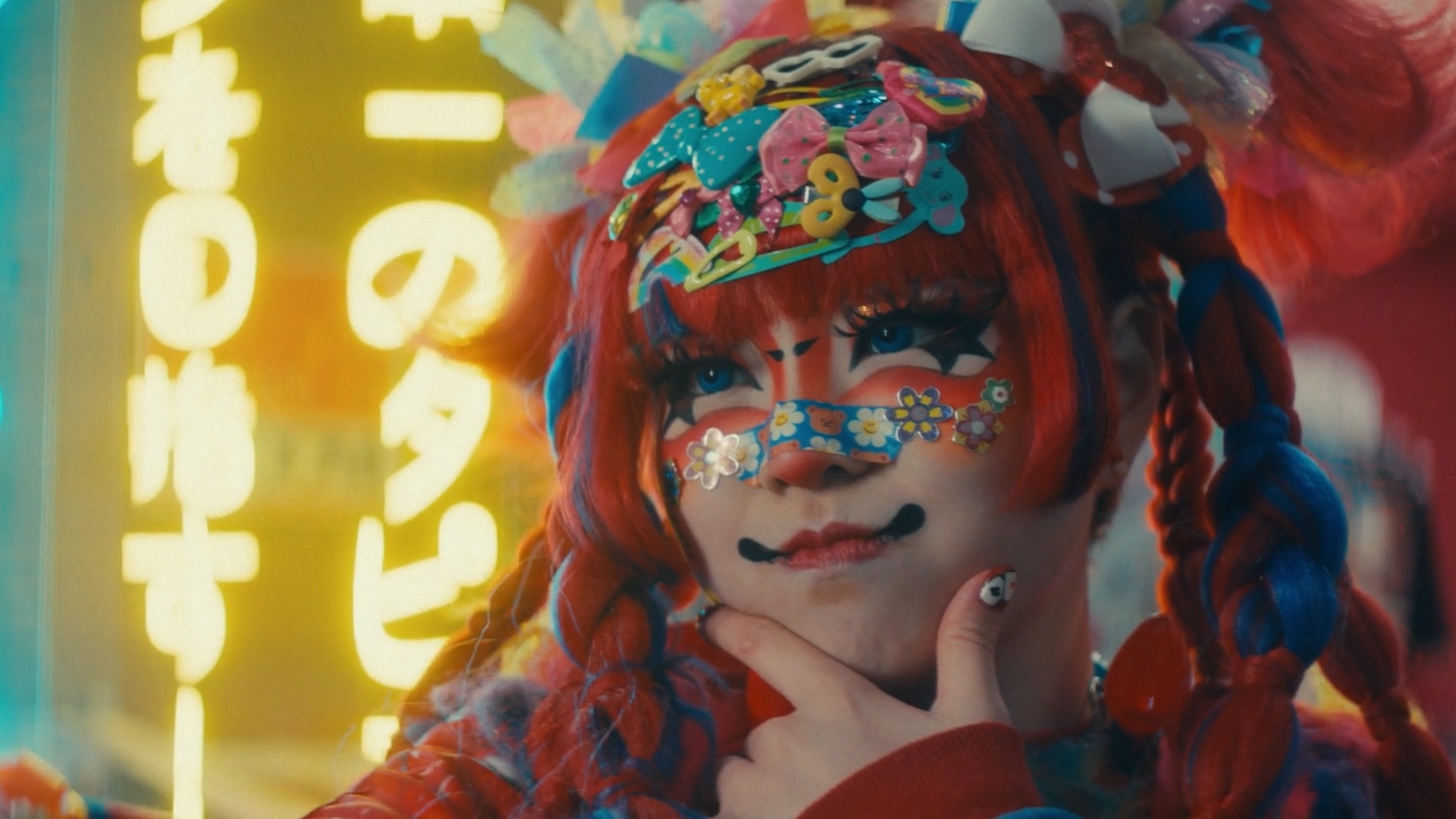
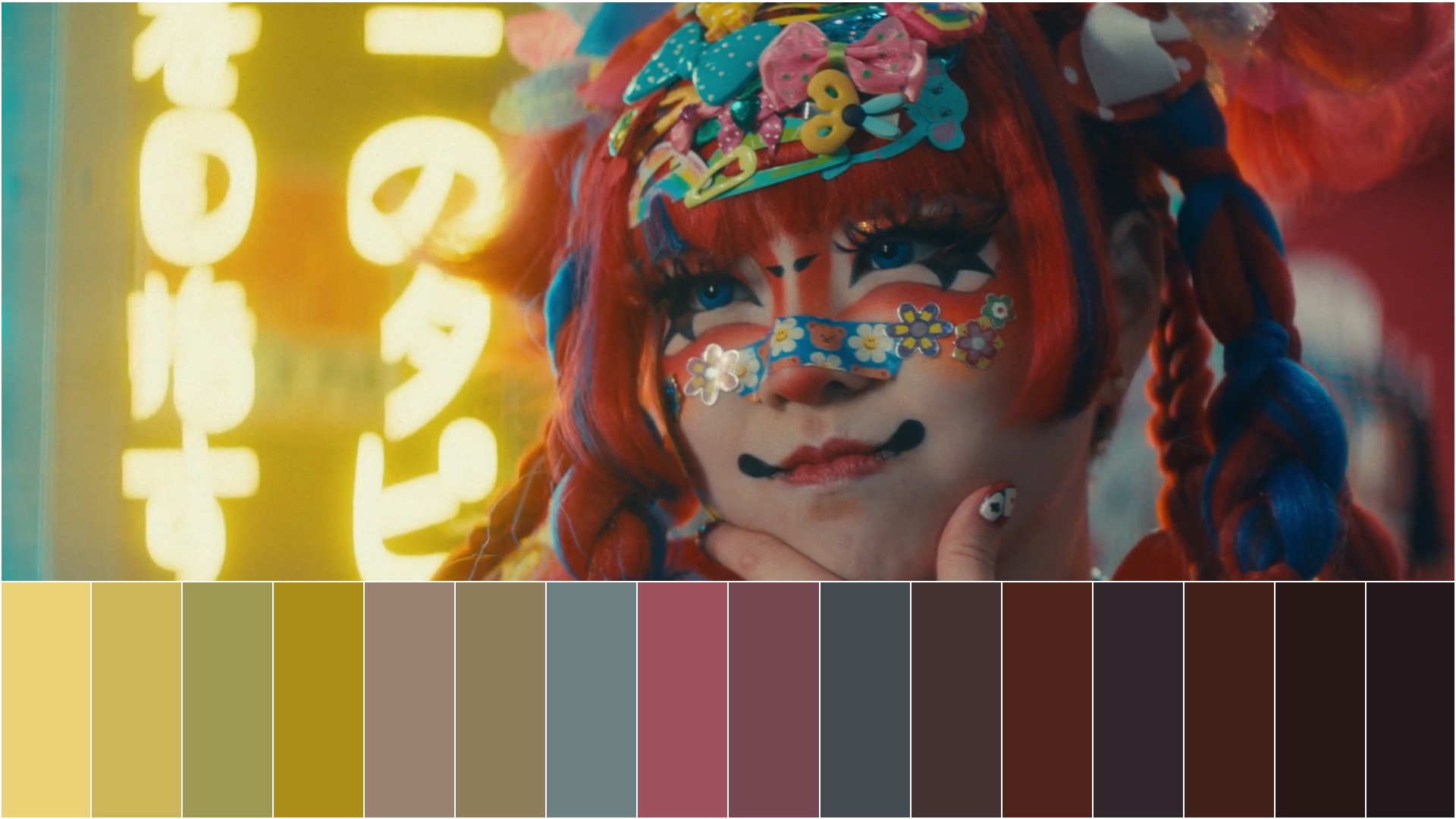
I built this DCTL to automate that process: it extracts up to 16 dominant colors from any video frame directly in the Color page, without leaving DaVinci Resolve Studio.
Key features
Intelligent color sampling
The plugin samples dominant colors directly from the frame using an adaptive algorithm.
The Randomness parameter (1-10) shifts the sampling points across the image, so each value produces a different set of extracted colors from the same frame. This is useful when the default sampling misses colors that are spatially isolated or underrepresented in the scene.
Multiple sorting method
Extracted colors can be sorted by hue, temperature, saturation, or luminosity, so the palette output maps to whatever reference workflow you are using.
Customizable display options
Palette height, position, border thickness, individual side control, and sample point visibility are all adjustable, making it usable both for in-session reference and for client-facing presentations.
Professional border controls
Create presentation-ready color references with customizable border thickness (1.0-10.0), individual border control for each side, and professional white separators between color swatches.
Perfect for client presentations and team collaboration.

Installation guidelines
1. Navigate to Project Settings
2. Select “Color Management” and click “Open LUT Folder”
3. Drag the DCTL file into the opened directory
4. Restart DaVinci Resolve Studio
Try it. Then own it.
One DCTL. No subscriptions, ever.
Demo
- All features included
- Subtle watermark, doesn't interfere with the result
- Test it in your own workflow before buying
Color Palette Generator DCTL
€19.99One-time payment · lifetime updates
- Clean output, zero watermark
- Free updates for life
More DCTLs