Halation DCTL
Introduction
Halation is one of the defining characteristics of film, the warm, organic glow that bleeds around bright light sources as light scatters back through the emulsion layers. It’s subtle, physical, and almost impossible to replicate with a simple glow or blur.
Halation DCTL simulates this effect in DaVinci Resolve Studio using an exponential blur kernel and an additive light model inspired by the physics of film emulsion. The result is a halation that behaves like the real thing, soft at the edges, color-accurate, and fully integrated into your grade.
Designed for colorists who want the film look without the compromise.


Key features
Physically-inspired halation model
Built around an exponential blur kernel that replicates the natural falloff of light scatter in film. Unlike glows based on Gaussian, the falloff remains soft and natural throughout the entire effect, from narrow highlights to broad, spread-out halos.
Full color control
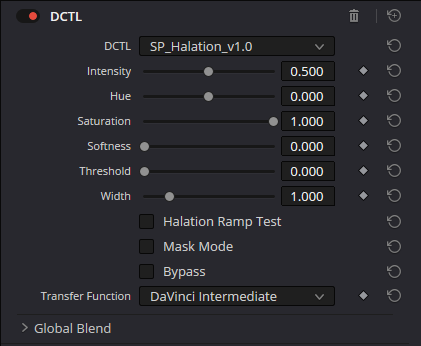
Hue and Saturation give you precise control over the chromatic character of the halation. Dial in the classic red-orange of color negative film, shift toward amber for a warmer stock, or desaturate completely for a clean white bloom.
Threshold and masking
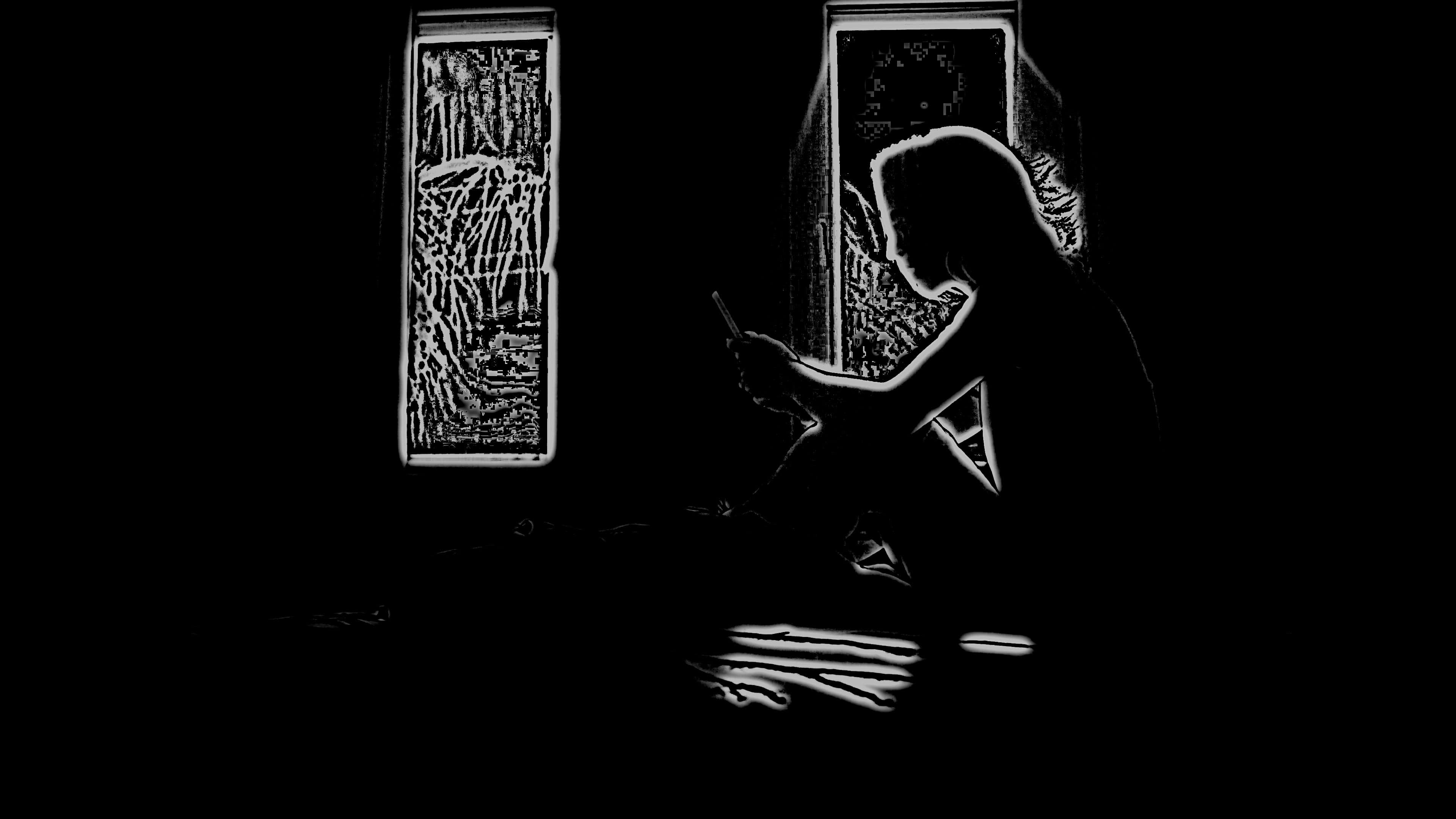
Isolate the halation to the areas where it actually belongs, specular highlights, practical lights, blown windows. The Threshold control keeps the effect from affecting midtones and shadows, where it doesn’t belong.

Softness
A high-frequency suppression layer that reduces fine detail in the halation-affected zones, replicating the subtle resolution loss that occurs in film emulsion around overexposed areas. Masked precisely to where the effect is active.

Installation guidelines
1. Navigate to Project Settings
2. Select “Color Management” and click “Open LUT Folder”
3. Drag the DCTL file into the opened directory
4. Restart DaVinci Resolve Studio
Try it. Then own it.
One DCTL. No subscriptions, ever.
Demo
- All features included
- Subtle watermark, doesn't interfere with the result
- Test it in your own workflow before buying
Halation DCTL
€24One-time payment · lifetime updates
- Clean output, zero watermark
- Free updates for life
More DCTLs